We continue to improve the user experience in the booking engine.
We are now incorporating a new functionality that allows visually displaying the steps the user is completing during the booking process.
How to enable it?
You will find this option in:
Configuration > Behavior > Other settings > Progress navigation style
Here you can choose between two styles:
Title and arrow (current default option): displays the traditional process navigation.
Step indicator: displays a visualstepper where the user can clearly see at which point of the reservation they are and what steps they have left to complete.
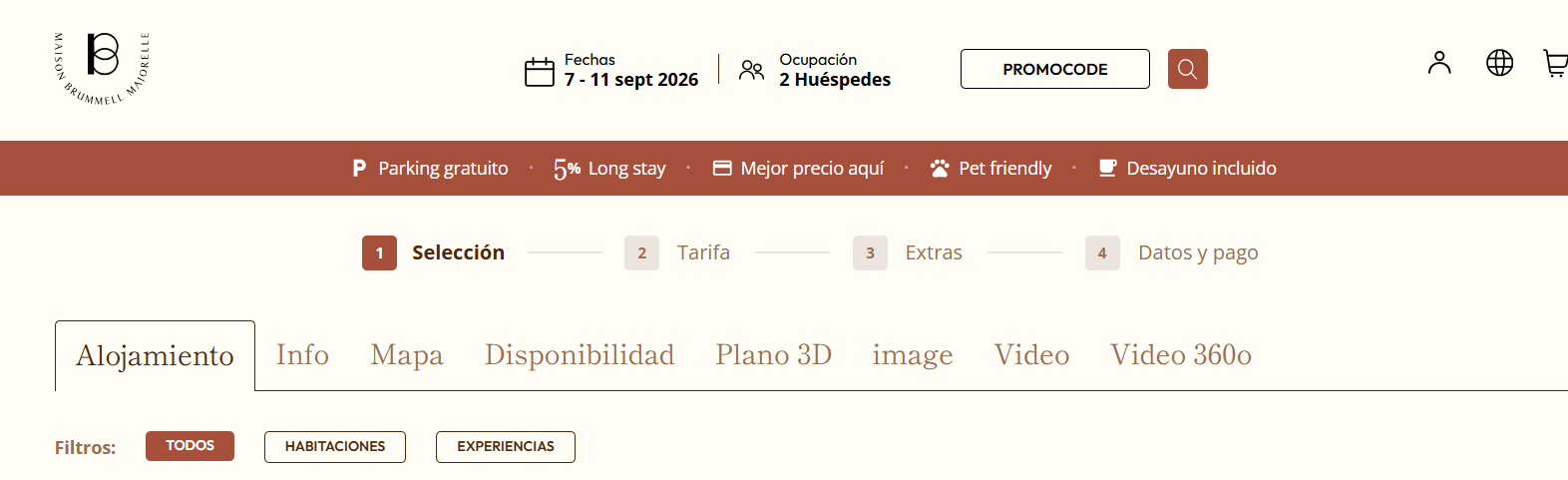
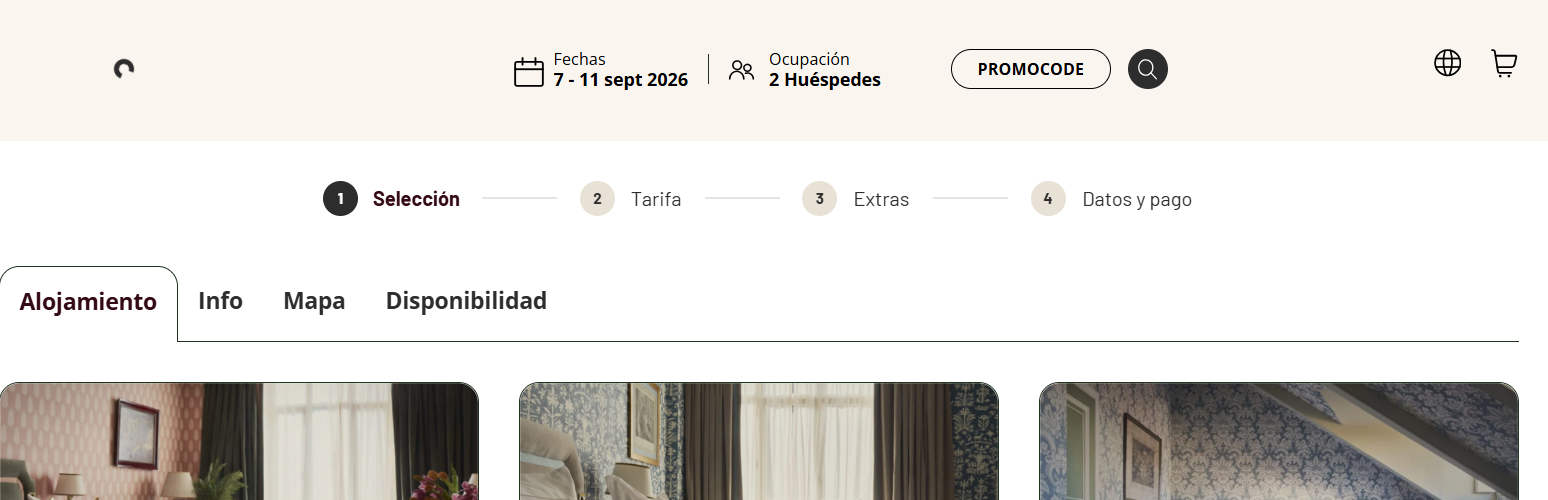
Benefits:
Improves clarity during the purchase process
Increases user's sense of control
Favors conversion by reducing friction
!Activate the new step indicator and improve your customers' experience in the engine!
Was this article helpful?
That’s Great!
Thank you for your feedback
Sorry! We couldn't be helpful
Thank you for your feedback
Feedback sent
We appreciate your effort and will try to fix the article