To activate multiple bookings, go to the engine extranet in Configuration > Behavior > Other settings and select the "Multiple rooms selector form." checkbox.
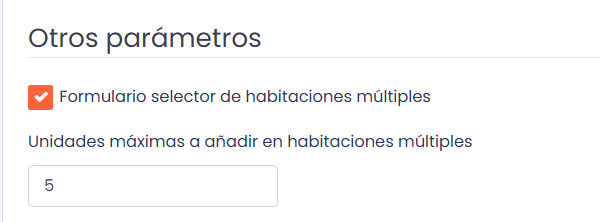
The selector allows you to restrict the limit of rooms that can be booked in a single search.
Engine view:
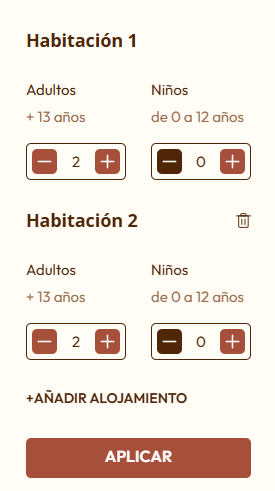
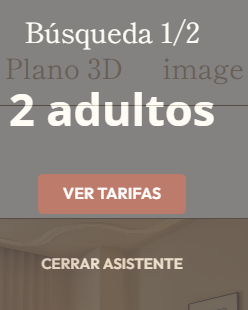
Automatically, when performing a multiple room search, a wizard opens, as the room, rate, and extras must be selected individually.
Was this article helpful?
That’s Great!
Thank you for your feedback
Sorry! We couldn't be helpful
Thank you for your feedback
Feedback sent
We appreciate your effort and will try to fix the article