Here are the steps to implement tokenized payment in the booking engine:
1) Contract the service directly with Pay No Pain, who will provide the payment gateway service: www.paynopain.com
2) Request the following keys from Pay No Pain:
- Client
- Payment card
- Key
3) Go to the control panel, access Settings --> Payment Methods --> Pay No Pain and fill in the fields with the data provided by the gateway.
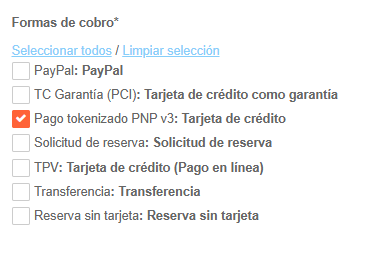
4) Go to Inventory --> Define Inventory --> Conditions and select the Tokenized Payment option in the rates you wish to charge through this payment method.
Was this article helpful?
That’s Great!
Thank you for your feedback
Sorry! We couldn't be helpful
Thank you for your feedback
Feedback sent
We appreciate your effort and will try to fix the article